Skip to content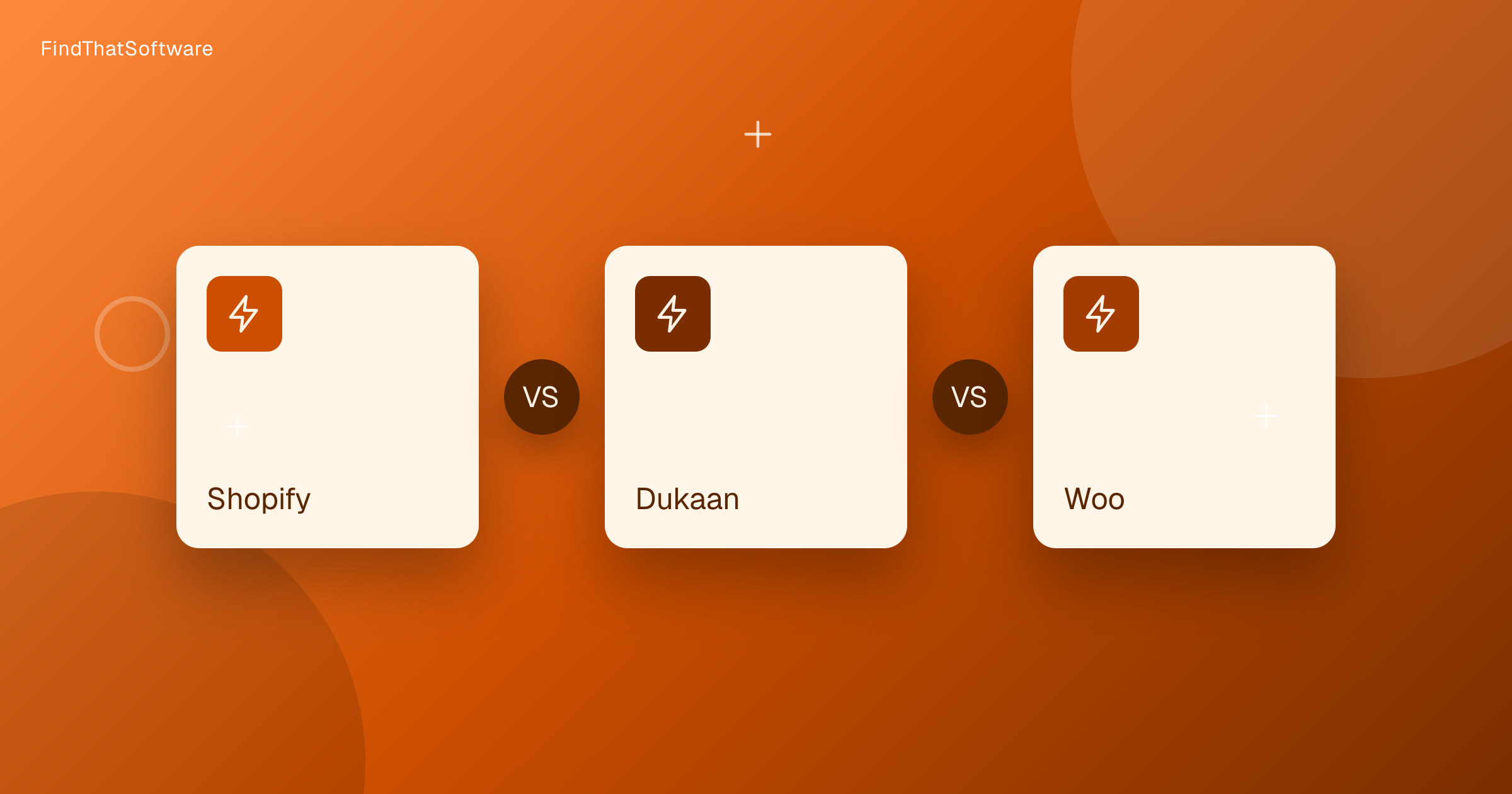

FindThatSoftwareGuides
Back to guidesE-commerceSwapnil Singh · Co-founder, FindThatSoftware
Shopify vs Dukaan vs WooCommerce: Best Way to Build an Online Store in India (2026)
Shopify fits serious D2C brands, Dukaan suits small Indian sellers who want cheap and fast, and WooCommerce wins if you already run WordPress.
If you want to sell online in India, Shopify, Dukaan and WooCommerce represent three different bets. Shopify is hosted-and-polished, Dukaan is India-native-and-cheap, and WooCommerce is own-everything on WordPress. The right choice is less about features and more about how much you want to run yourself, and one India-specific catch on payments that most global comparisons miss entirely.
At a glance
| Shopify | Dukaan | WooCommerce | |
|---|---|---|---|
| Model | Hosted, polished | India-native, fast and cheap | Self-hosted WordPress plugin |
| Billed in India | INR | INR | Free plugin, you pay for hosting |
| India payments | No Shopify Payments in India | UPI, COD, GST built in | Via Razorpay and others |
| Best for | Serious D2C brands | Small sellers launching fast | Full control, no platform fee |
Shopify
Shopify is the polished hosted platform: fast setup, a huge app and theme ecosystem, and conversion-optimised checkout handled for you. The India catch is real and often missed. Shopify Payments is not available in India, so you must use a third-party gateway, and Shopify then charges a per-transaction fee on top of the gateway's fee unless you are on Shopify Payments, which you cannot be. Budget for that stacked cost before you commit.
Dukaan
Dukaan is India-built and aimed at small sellers who want a branded store up fast and cheap, with UPI, cash on delivery, GST handling and pan-India shipping built in. The watch-out is cost predictability: its pricing and per-order service fees have changed often and stack on top of gateway charges, so confirm the current all-in number for your order volume.
WooCommerce
WooCommerce is a free, open-source plugin that turns a WordPress site into a store you fully own, code and data included, with no revenue share. The word free is misleading though: you pay for hosting, a theme, extensions, and the technical effort of setup, security and updates. It is the most control for the lowest platform fee, in exchange for running more yourself.
How to choose
- A serious D2C brand that wants reliability and an app ecosystem: Shopify (budget for the India payment-fee stacking).
- A small Indian seller who wants cheap and fast, with UPI and COD out of the box: Dukaan.
- Already on WordPress, or you want full ownership and no monthly platform fee: WooCommerce.
A simple rule: if your time is worth more than the subscription, a hosted platform pays for itself. See the wider field in our best platform to sell online guide, and confirm current rates and transaction fees on each platform's site.
Written by
Swapnil Singh · Co-founder, FindThatSoftware
Swapnil co-founded FindThatSoftware. He focuses on how Indian teams find customers and grow - the CRM, marketing, commerce, and support tools that fit local budgets and workflows - and on keeping the catalog honest and source-backed.
FAQ
Frequently asked questions
- Which platform is cheapest for an Indian seller?
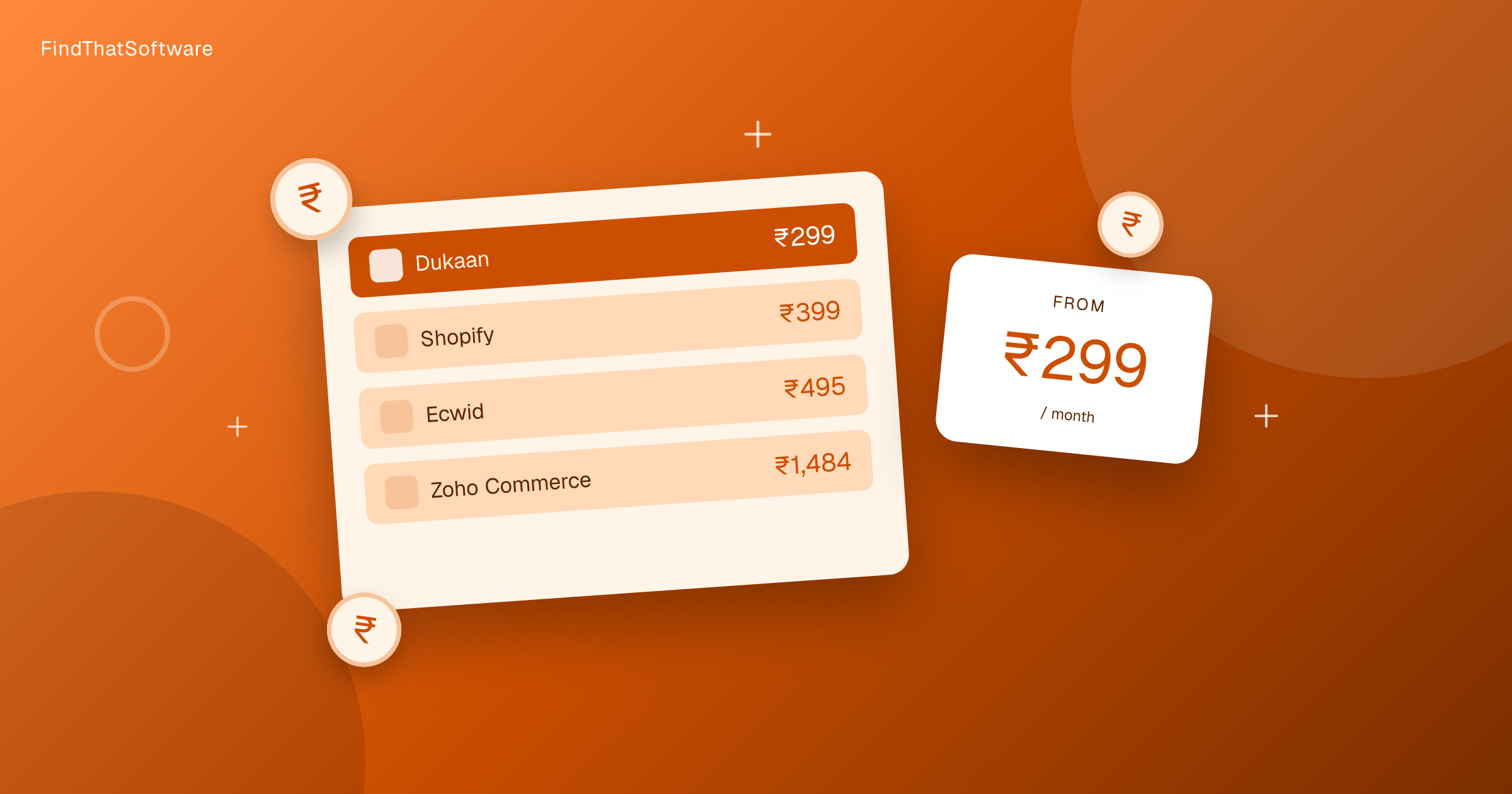
- Dukaan is the cheapest and most approachable, priced in INR with affordable tiers. WooCommerce software is free but you still pay for hosting, a theme and any premium extensions.
- Is Shopify worth the monthly cost in India?
- For serious D2C brands, yes. India plans start around Rs.399 per month for Starter and Rs.1,499 per month for Basic, and you get reliable hosting and an app-rich ecosystem.
- What is the catch with WooCommerce being free?
- The plugin itself costs nothing, but you pay for hosting, a theme and any premium extensions. Free really means you assemble and maintain the store yourself.
- Which platform is easiest for a first-time seller?
- Dukaan. It is India-built for small sellers who want UPI checkout and a simple catalogue without a learning curve.
- Do I still need a payment gateway with these platforms?
- Yes. Whichever platform you pick, pair it with an Indian payment gateway to accept payments from your customers.
The dispatchFree · no noise
Get the next guide in your inbox
A short, occasional email with the India-first software guides and tools we'd recommend to a founder or operator. No noise.
ecommerceindiad2c
More guides in this topic
E-commerce
E-commerce Platform Pricing in India Compared (2026)
What an online store platform really costs an Indian seller each month, from a free plan to enterprise. Real rupee prices with the forex markup, for a registered business.
Read the guide →
E-commerce
How to Reduce RTO (Return to Origin) for Your Online Store in India (2026)
RTO is the silent profit killer for Indian D2C - COD orders are returned 3-5x more than prepaid. Here's why, and the proven 2026 levers to cut it: WhatsApp/IVR confirmation, COD-to-prepaid, partial COD, address validation and NDR automation.
Read the guide →
E-commerce
How to Start Selling Online in India (2026): The Complete Stack
A practical, step-by-step guide to setting up an online business in India - choosing a store platform, GST registration, accepting payments, and arranging shipping - with the tools that handle each piece.
Read the guide →
Related on FindThatSoftware
Take this into a decision
- Best platform to sell online →
- Best shipping aggregator →
- E-commerce tools →
- See your all-in India cost (forex + GST) →
Building software in this space? List it on FindThatSoftware and reach buyers who are comparing tools right now.