Skip to content

FindThatSoftwareGuides
Back to guidesE-commerceSwapnil Singh · Co-founder, FindThatSoftware
How to Start Selling Online in India (2026): The Complete Stack
A practical, step-by-step guide to setting up an online business in India - choosing a store platform, GST registration, accepting payments, and arranging shipping - with the tools that handle each piece.
Starting an online business in India is more accessible than ever - but it is also a stack of decisions, not one. You need somewhere to sell, a way to take money, a way to ship, and the compliance to stay legal. Get the pieces in the right order and you can be live in days. Here is the complete 2026 stack, step by step.
Step 1: Choose where you'll sell
You have two broad routes: sell on a marketplace (Amazon, Flipkart, Meesho) for instant reach but thin margins and little brand control, or build your own store for control, margin and a real brand. Most serious sellers do both, but start with your own store as the hub.
For your own store, the platform choice depends on how you want to sell - a fully branded D2C site, a quick India-first launch, or a store bolted onto an existing site. Our guide to the best platform to sell online in India compares Shopify, WooCommerce, Dukaan, StoreHippo and Ecwid.
Step 2: Register for GST (usually from day one)
This trips up most first-time sellers. E-commerce selling generally requires GST registration from your first sale - on a marketplace or your own website - with no Rs.40 lakh/Rs.20 lakh threshold exemption (Section 24 of the CGST Act). A narrow exemption exists for some small intra-state sellers under Notification 34/2023-CT, but most sellers need a GSTIN before they go live. Sort this early, because marketplaces and payment setups will ask for it.
Once registered, you will issue GST-compliant invoices and, past Rs.5 crore turnover, generate e-invoices - see e-invoicing in India: who needs it and pick a billing tool from the best GST billing software guide.
Step 3: Set up payments
Indian customers expect UPI first, then cards, net banking and wallets. You will integrate a payment gateway into your store so all of these work at checkout, with money settling to your bank account. Start with how to accept UPI payments on your website, compare options in the best payment gateway for startups in India guide, and use the payment gateway fee calculator to understand the real cost. If you sell subscriptions, set up recurring payments too.
Step 4: Sort out shipping
Unless you only sell digital goods, you need to ship - and doing it through a single courier is rarely the cheapest or most reliable option. A shipping aggregator gives you discounted rates across many couriers, smart carrier allocation, and tools to cut RTO (return to origin) and manage failed deliveries. Compare them in the best shipping aggregator for ecommerce in India guide.
Step 5: Stay compliant and ready to scale
As you grow, the back office matters more: GST returns and e-invoicing, accounting, and (once you hire) payroll compliance. Choosing tools that handle this automatically saves you from penalties later - browse the Finance & Accounting category for billing and accounting options.
The short version
- Store: pick a platform (Shopify, WooCommerce, Dukaan, StoreHippo or Ecwid).
- GST: register before you sell - it is mandatory for e-commerce in almost all cases.
- Payments: add a gateway so UPI and cards work at checkout.
- Shipping: use an aggregator for cheaper, multi-courier delivery.
- Compliance: automate GST/e-invoicing and accounting as you scale.
Do these five in order and the rest is iteration - product, marketing and customer experience.
Rules, thresholds and pricing change. Confirm GST registration requirements and current tool pricing with official sources or a CA before launching.
Written by
Swapnil Singh · Co-founder, FindThatSoftware
Swapnil co-founded FindThatSoftware. He focuses on how Indian teams find customers and grow - the CRM, marketing, commerce, and support tools that fit local budgets and workflows - and on keeping the catalog honest and source-backed.
FAQ
Frequently asked questions
- What do I need to start selling online in India?
- Five things: a store platform (your own site or a marketplace), GST registration (mandatory for e-commerce in almost all cases), a payment gateway so UPI and cards work at checkout, a shipping solution (a multi-courier aggregator is usually best), and basic GST/accounting compliance. Set them up roughly in that order.
- Do I need GST to sell online in India?
- In almost all cases yes - e-commerce selling generally requires GST registration from your first sale, on a marketplace or your own website, with no turnover threshold exemption under Section 24 of the CGST Act. A narrow exemption exists for some small intra-state sellers; confirm your situation with a CA before launching.
- Should I sell on a marketplace or my own website?
- Marketplaces (Amazon, Flipkart, Meesho) give instant reach but thin margins and little brand control; your own store gives control, better margins and a real brand but you drive your own traffic. Many sellers do both, using their own store (Shopify, WooCommerce, Dukaan) as the brand hub and marketplaces for reach.
- What is the cheapest way to start an online store in India?
- Software-wise, WooCommerce is free (you pay for WordPress hosting), and Dukaan offers a low-cost India-first launch. But factor in the full stack: payment gateway fees, shipping, and GST compliance. The platform is usually the smallest cost once you are actually selling.
The dispatchFree · no noise
Get the next guide in your inbox
A short, occasional email with the India-first software guides and tools we'd recommend to a founder or operator. No noise.
ecommercepaymentsindia
More guides in this topic
E-commerce
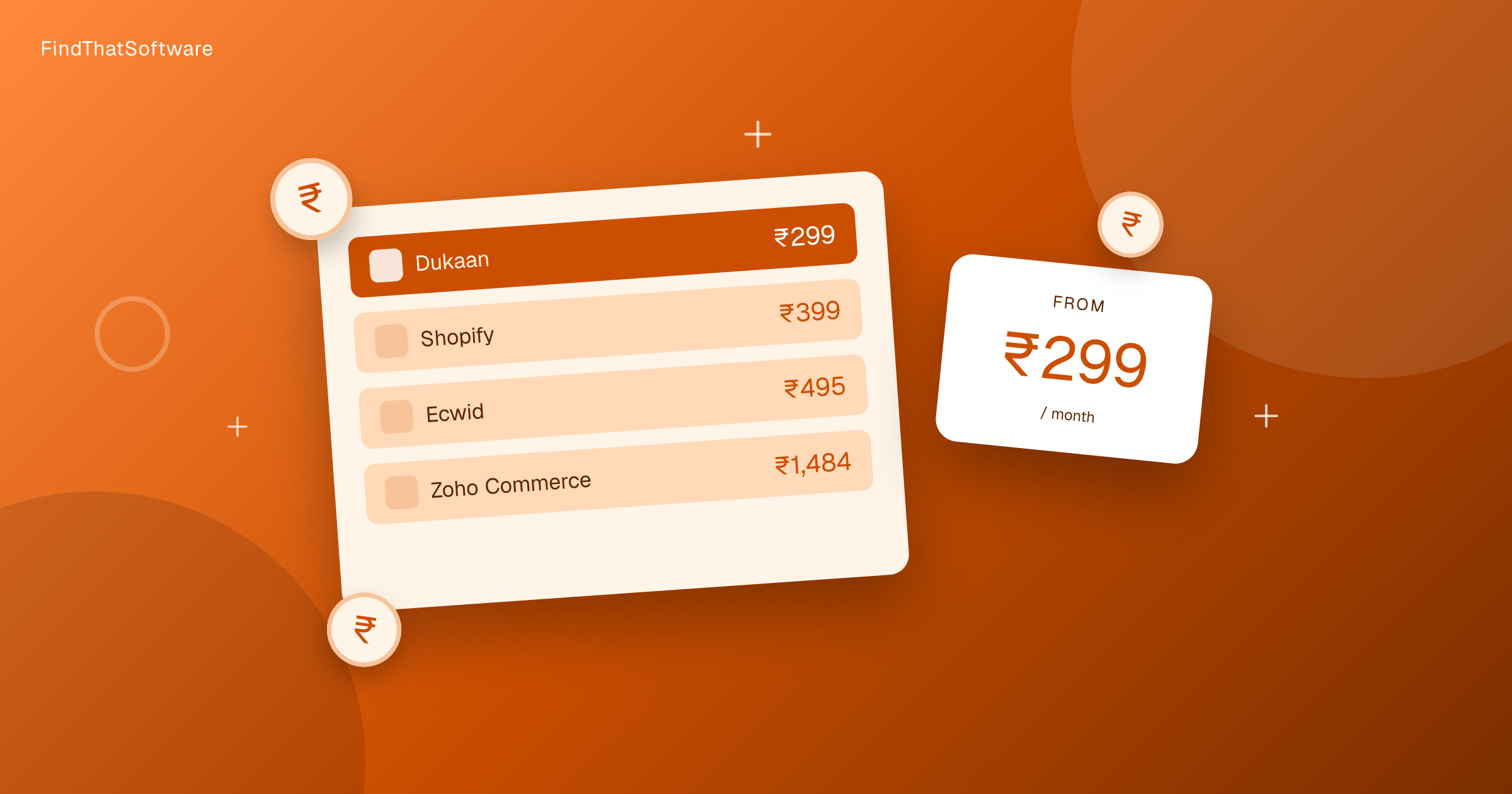
E-commerce Platform Pricing in India Compared (2026)
What an online store platform really costs an Indian seller each month, from a free plan to enterprise. Real rupee prices with the forex markup, for a registered business.
Read the guide →
E-commerce
How to Reduce RTO (Return to Origin) for Your Online Store in India (2026)
RTO is the silent profit killer for Indian D2C - COD orders are returned 3-5x more than prepaid. Here's why, and the proven 2026 levers to cut it: WhatsApp/IVR confirmation, COD-to-prepaid, partial COD, address validation and NDR automation.
Read the guide →
E-commerce
Shopify vs Dukaan vs WooCommerce: Best Way to Build an Online Store in India (2026)
Shopify fits serious D2C brands, Dukaan suits small Indian sellers who want cheap and fast, and WooCommerce wins if you already run WordPress.
Read the guide →
Related on FindThatSoftware
Take this into a decision
- Best platform to sell online →
- Best shipping aggregator →
- E-commerce tools →
- See your all-in India cost (forex + GST) →
Building software in this space? List it on FindThatSoftware and reach buyers who are comparing tools right now.