Skip to content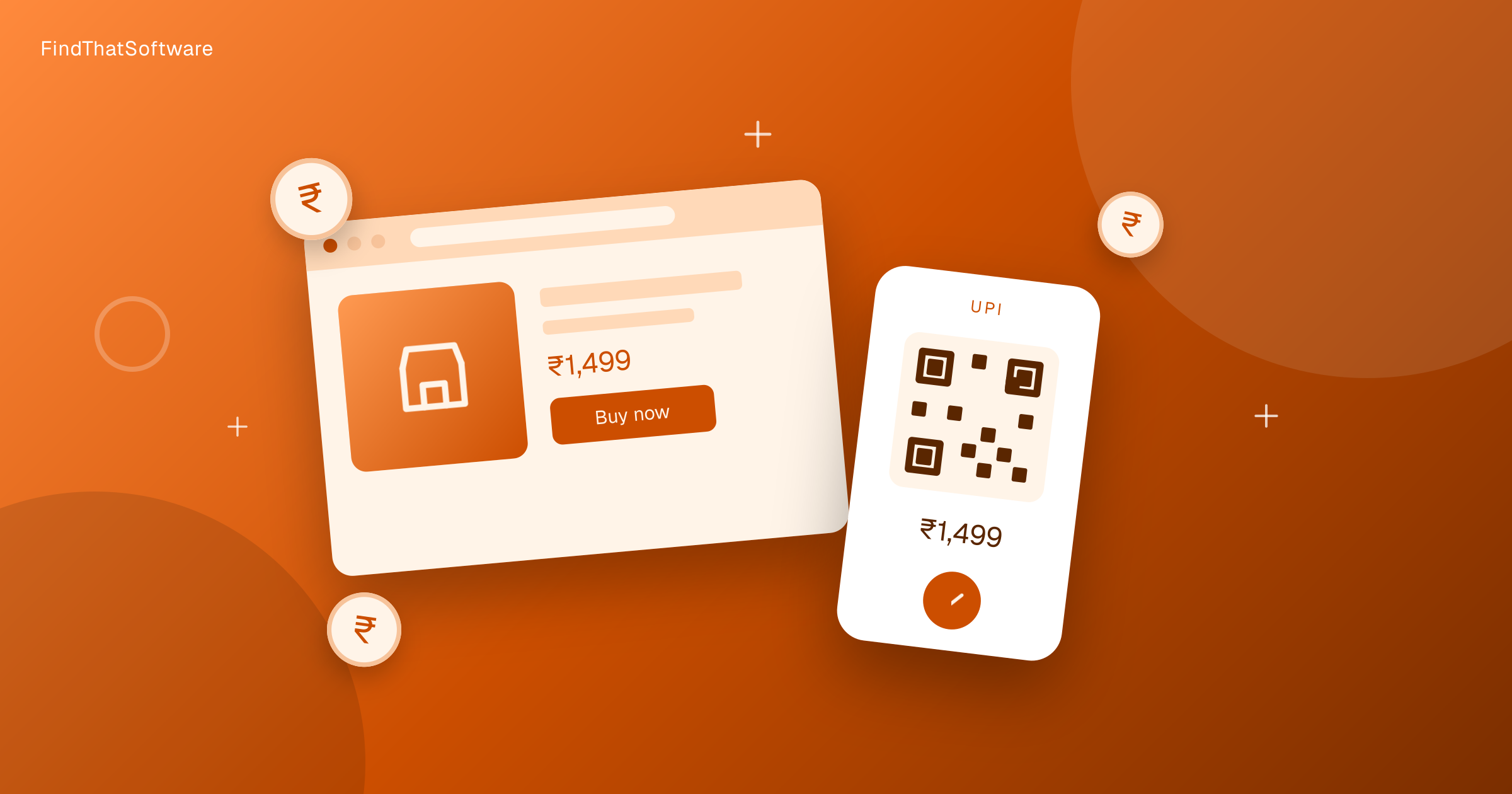

FindThatSoftwareGuides
Back to guidesPaymentsArjit Jindal · Co-founder, FindThatSoftware
How to Accept UPI Payments on Your Website in India (2026)
The fastest way to accept UPI online is a Razorpay or Cashfree account with KYC done, then their plugin or a UPI payment link on your Indian site.
UPI is how India pays - it is fast, familiar, and for most businesses almost free to accept. If you sell anything on a website, accepting UPI at checkout is no longer optional. The good news: setting it up is simpler and cheaper than most first-time founders expect. Here is the practical, current version.
The three ways to accept UPI on a website
- A UPI QR code or VPA. The simplest option - generate a QR linked to your UPI ID (e.g.
business@ybl) and let customers scan and pay. Great for invoices, social selling and offline, but clunky for a real website checkout because the customer has to leave the page, pay, and you have to reconcile manually. - Payment links. Most gateways let you create a hosted payment link (shareable over WhatsApp, email or SMS) with no code. Ideal for service businesses, freelancers and small order volumes.
- A payment gateway at checkout. This is the real answer for a website store. You integrate a gateway (Razorpay, Cashfree, Instamojo, PayU and others) via a plugin or API, and UPI shows up as a payment option alongside cards, net banking and wallets, with automatic reconciliation and settlement.
For a proper website checkout, go with option 3. The rest of this guide focuses there.
Does accepting UPI cost anything?
Mostly no - and this surprises people. Standard bank-to-bank UPI runs on a zero-MDR (Merchant Discount Rate) regime in India, in place since January 2020. That means there is no per-transaction merchant fee on normal UPI payments. Small merchants can even earn a government incentive of about 0.15% on transactions up to Rs.2,000.
Two honest caveats:
- A payment gateway may still charge you. UPI itself is zero-MDR, but a gateway can charge a platform fee, a setup fee, or fees on other methods (cards and net banking do carry MDR). So your real cost depends on your payment mix, not just UPI. Model it with our payment gateway fee calculator before you commit.
- The zero-MDR policy is under review. In March 2026 a Parliamentary committee proposed bringing back MDR for large commercial UPI merchants while keeping it free for small businesses and street vendors. Nothing has changed for small sellers yet, but it is worth watching if you process high volumes.
Collect flow vs Intent flow (and why it matters in 2026)
When you accept UPI online, the payment happens one of two ways:
- Collect flow (pull): you request payment from the customer's UPI ID, and they approve it in their app. It works everywhere, including desktop and shared devices, but success rates are lower because of typing errors and notification delays.
- Intent flow (push): the customer taps a UPI app, which opens pre-filled, and they just authorise. Intent delivers noticeably higher success rates - benchmarks of 92-95% versus collect - and most mobile users prefer it.
This is now more than a UX choice. NPCI guidelines effective February 2026 restrict manual VPA entry on mobile and push the industry toward Intent flow, so a good gateway should default to Intent on mobile. When you compare gateways, ask how they handle Intent.
How to set it up, step by step
- Pick a payment gateway. For most Indian websites this comes down to a few India-first options - see our guide to the best payment gateway for startups in India.
- Sign up and complete KYC. You will need business details and a bank account; UPI and basic methods are usually enabled quickly, though full activation can take a couple of days.
- Integrate. Use the gateway's plugin (for WordPress/WooCommerce, Shopify and similar) or its API/checkout SDK if you have a developer. UPI appears automatically as a method.
- Enable UPI and prefer Intent on mobile. Confirm both Collect and Intent are on, with Intent as the mobile default for higher success rates.
- Test, then go live. Run a small real transaction, confirm it settles to your bank account, and check the reconciliation in the dashboard.
Which gateway should you choose?
Short version: Razorpay is the default all-rounder for startups, Cashfree is strong on payouts and cross-border, and Instamojo is the fastest start for freelancers and small sellers who want payments plus a simple store. We compare them properly in the best payment gateway for startups in India guide, and you can browse every option in the Payments category. If you sell subscriptions, also see how to set up recurring payments in India.
UPI rules and gateway pricing change. Confirm current MDR, fees and flow support on the provider's own site before going live.
Written by
Arjit Jindal · Co-founder, FindThatSoftware
Arjit co-founded FindThatSoftware, an India-first software-decision platform. He writes about how Indian businesses actually choose, price, and stack the software they run on - with the forex, GST, and support trade-offs global directories leave out.
FAQ
Frequently asked questions
- Does it cost anything to accept UPI on a website?
- Standard bank-to-bank UPI runs on a zero-MDR regime in India, so there is no per-transaction merchant fee on normal UPI payments. A payment gateway can still charge a platform fee or fees on cards and net banking, so your real cost depends on your payment mix.
- What are the three ways to accept UPI on a website?
- You can show a UPI QR code or VPA, create a no-code payment link, or integrate a payment gateway at checkout. For a real website store a payment gateway is the right choice because UPI appears alongside cards and net banking with automatic reconciliation.
- What is the difference between UPI Collect and Intent flow?
- Collect flow requests payment from the customer UPI ID and they approve it in their app. Intent flow opens their UPI app pre-filled so they just authorise, and it delivers higher success rates of around 92 to 95 percent. NPCI guidelines effective February 2026 push mobile checkouts toward Intent.
- Which payment gateway should I choose to accept UPI?
- Razorpay is the default all-rounder for startups. Cashfree is strong on payouts and cross-border. Instamojo is the fastest start for freelancers and small sellers who want payments plus a simple store.
- Is the zero-MDR UPI policy going to change?
- In March 2026 a Parliamentary committee proposed bringing back MDR for large commercial UPI merchants while keeping it free for small businesses and street vendors. Nothing has changed for small sellers yet, so watch it only if you process high volumes.
The dispatchFree · no noise
Get the next guide in your inbox
A short, occasional email with the India-first software guides and tools we'd recommend to a founder or operator. No noise.
paymentsupiindia
More guides in this topic
Payments
How to Set Up Recurring Payments for Your Business in India (2026)
Selling subscriptions, SaaS or memberships in India? Here's how recurring payments work via UPI AutoPay and card e-mandates, the RBI 2026 e-mandate rules and limits, and how to set it all up with a payment gateway.
Read the guide →
Payments
Cheapest Payment Gateway in India: Razorpay vs Cashfree vs PayU vs Instamojo (2026)
Cashfree has the lowest headline rate at 1.95% and Razorpay charges 2% with the best developer experience, so most Indian SMBs pick between the two.
Read the guide →
Payments
Razorpay vs Cashfree: Which Payment Gateway Is Right for Your Indian Business? (2026)
Razorpay wins on developer experience and all-round features. Cashfree fits marketplaces and anyone chasing the lowest headline rate in India.
Read the guide →
Related on FindThatSoftware
Take this into a decision
- Payment gateway charges compared →
- Best payment gateway for startups →
- Payments & billing tools →
- See your all-in India cost (forex + GST) →
Building software in this space? List it on FindThatSoftware and reach buyers who are comparing tools right now.